Free Delivery: 


Our facilities are now open for visits. Please contact your PIC or email us at contact@custommadepackaging.com to request a visit.
Free Delivery:
Home – Blogs – Custom Design Boxes: Dieline & Artwork Guide (2026)
 – Blogs
by Custom Made Packaging Team – October 31, 2026 · 17 min read
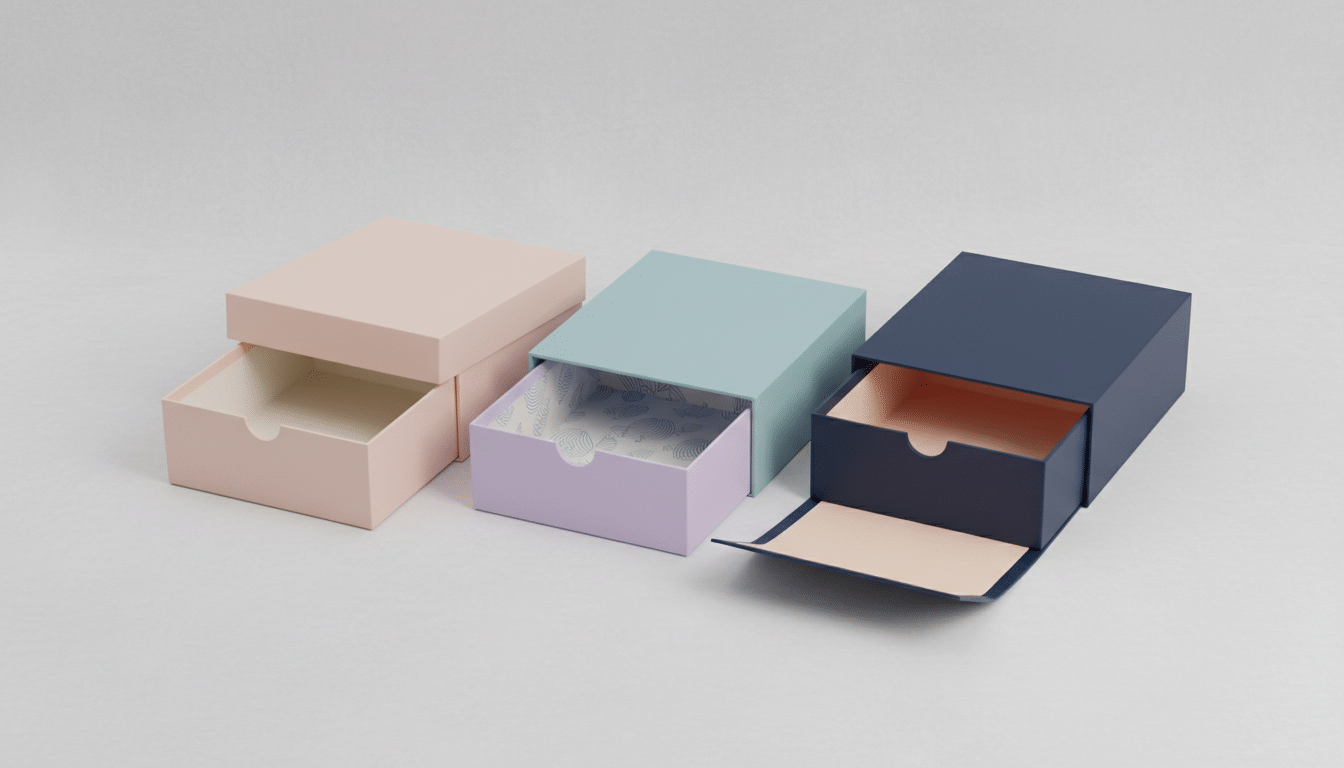
Custom design boxes only look as good as the files behind them. To get a box that prints sharp, folds cleanly and matches your brand colors, you need two things: a correct dieline (the flat template that shows where the box is cut and folded) and print-ready artwork placed on that dieline with proper bleed, safe zones, resolution and color settings. Get those right and your first production run looks like your mockup. Get them wrong and you see white edges, cut-off logos, muddy colors or text that ends up upside down on the lid.
This guide explains, in plain language, how dielines work, how box style changes the template, the exact file specifications printers expect, how to prepare artwork for foil and spot UV, what to put on each panel, and a step-by-step prepress checklist you can use before you approve any proof. It is written for small and mid-size brands in the USA and Canada, from a skincare startup preparing its first carton to an established apparel brand redesigning its mailer.
If you are still at the idea stage, start with our guide on how to design custom boxes and our list of custom design box ideas. This article picks up where those leave off: turning a design into a file that a factory can actually produce.
Table of contents: What is a dieline · Dieline anatomy · Box styles · Measurements · File setup specs · Color · Finishes · Panel content · Prepress checklist · Mistakes · Cost factors · USA and Canada · How to order · FAQ
A dieline is a flat, to-scale drawing of your box before it is folded. It shows every panel, flap, tuck and glue area, and it marks exactly where the cutting die will slice through the board and where creasing rules will press fold lines into it. The name comes from the steel-rule die used in production: the dieline is the blueprint for that die.
For custom design boxes, the dieline does two jobs at once. Structurally, it defines the shape, size and closure of the box. Graphically, it is the canvas your designer works on, because every panel on the flat sheet becomes a face of the finished box. A logo placed half an inch too low on the dieline can end up wrapped around a fold or hidden under a flap.
Three facts are worth knowing before you start:
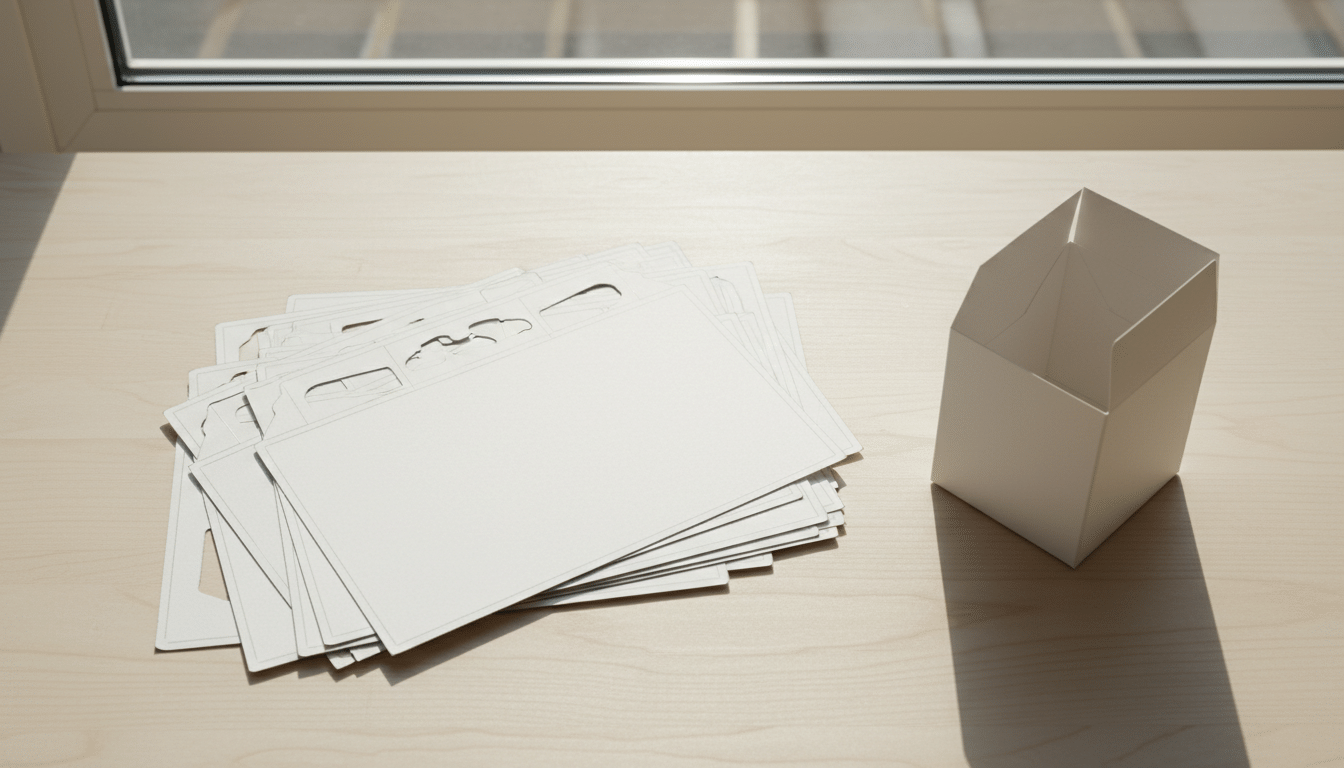
Most dielines use a simple visual language. Line colors vary by supplier, so always read the legend that comes with your template, but the meaning of each line type is universal:
| Line or zone | Usual appearance | What it means for your artwork |
|---|---|---|
| Cut line | Solid line, often red or black | The die cuts here. Art must cross it and continue into the bleed. |
| Crease or fold line | Dashed line, often blue or green | The board folds here. Avoid fine text or thin rules sitting right on it. |
| Perforation | Short dashes or dot-dash line | Tear strips and easy-open features. Keep critical info away from it. |
| Bleed line | Line about 1/8 inch (3 mm) outside the cut | Background color and images must extend to here. |
| Safe zone | Line about 1/8 inch (3 mm) or more inside the cut and folds | Keep logos, text and barcodes inside this area. |
| Glue area | Shaded or hatched panel | Often left unprinted or uncoated so the adhesive bonds. |
In your design file, keep these on their own locked layer at the top, set to a named spot color such as “Dieline” and marked as non-printing or set to overprint. Your artwork goes on layers underneath. This lets the prepress team switch the dieline on to check alignment and off to make printing plates.
Every box style folds differently, so each one has panels that face different directions once assembled. This is where many first-time designs go wrong: artwork that looks correct on the flat sheet appears sideways or upside down after folding. Here is what to watch for in the most common styles:
| Box style | Dieline layout | Artwork watch-outs |
|---|---|---|
| Mailer box (roll end tuck front) | One piece with a base, folding side walls, a hinged lid and a front tuck | The lid panel is often printed upside down relative to the base on the flat sheet. Inside print needs its own artwork side. |
| Tuck end product box | Four side panels in a row, a glue flap, tuck flaps and dust flaps at top and bottom | Text on the top tuck reads from the front panel. Keep art off the glue flap. |
| Rigid box (lid and base, drawer, magnetic) | Printed wrap paper laminated over thick chipboard, with separate wraps per part | Allow extra turn-in (wrap) margin around edges, typically larger than standard bleed. Ask for the exact figure. |
| Pillow box | Single panel with curved end flaps | Curves distort straight lines and patterns near the ends. |
| Sleeve | A band with one glue overlap | The overlap seam hides part of the design; keep logos clear of it. |
If you are choosing between styles, our comparison of rigid boxes vs folding cartons explains the structural and cost differences. For shipping-ready packaging, custom mailer boxes are the most popular one-piece style, while retail shelves usually call for tuck end product boxes or premium rigid boxes.
A beautiful design on the wrong size dieline is wasted work. Lock the structure first, then design. Custom boxes are specified by inside dimensions in Length × Width × Depth order, measured at the widest points of everything that goes inside, including inserts, cards and protective wrap.
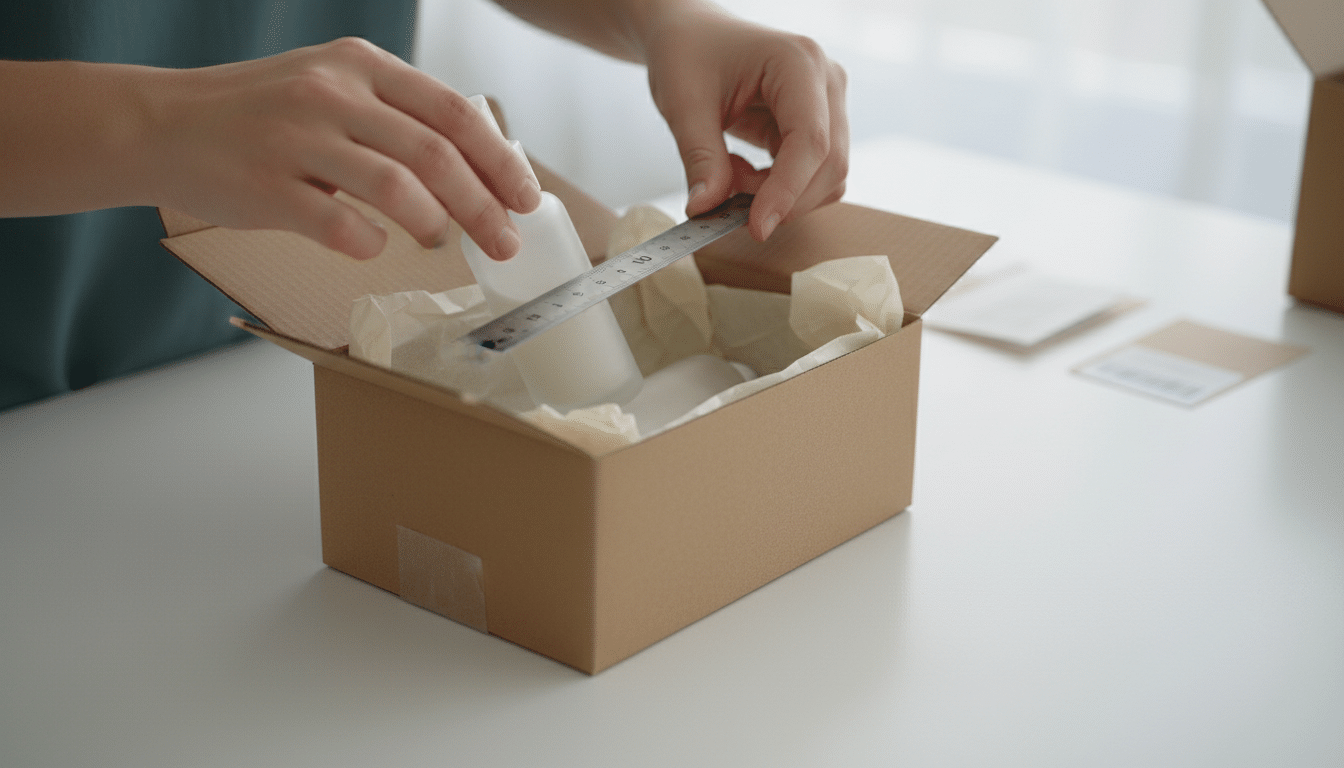
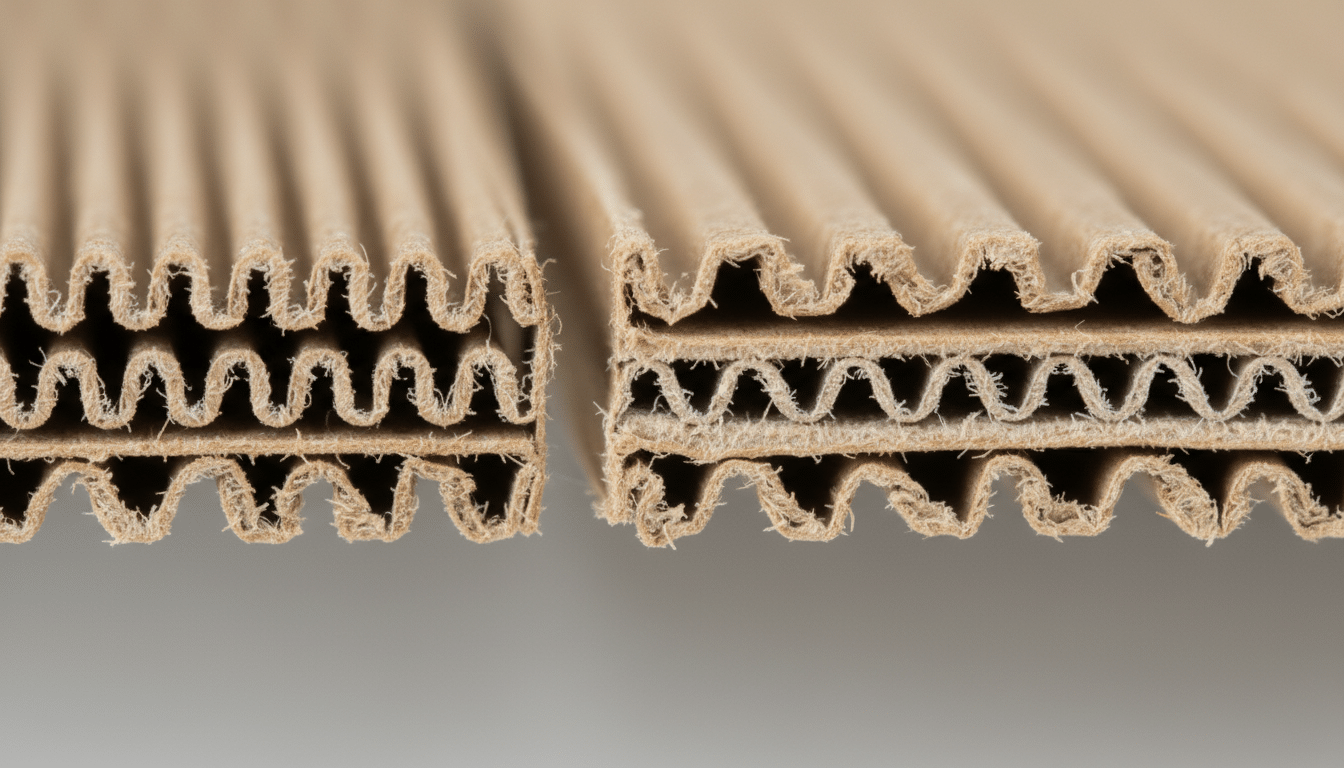
Board thickness also matters, because thick board takes up space at every fold. The manufacturer adjusts the dieline for the board, which is another reason to use their template. As a rough guide:
| Material | Approximate thickness | Typical use |
|---|---|---|
| Paperboard (folding carton) | Around 0.016 to 0.028 inch (0.4 to 0.7 mm) | Cosmetic, supplement and retail product boxes |
| E-flute corrugated | About 1/16 inch (1.5 mm) | Small and medium mailer boxes with detailed print |
| B-flute corrugated | About 1/8 inch (3 mm) | Large or heavy mailer and shipping boxes |
| Rigid chipboard | Often 1/16 to 1/8 inch (1.5 to 3 mm) plus wrap | Luxury gift, jewelry and electronics boxes |
For a detailed walkthrough of measuring and fit allowances, see our mailer box sizes guide. If your product needs to be held in place, decide on packaging inserts now, since the box must be sized around the insert rather than the bare product.
Once you have the correct dieline, set up your artwork file to these specifications. They are standard across most packaging printers in North America, though you should always confirm with your supplier’s own guidelines.
| Specification | Recommended setting | Why it matters |
|---|---|---|
| Software | Adobe Illustrator or another vector program; Photoshop only for photos | Vector files keep edges, text and dielines crisp at any size. |
| Document size | Actual size (1:1), with the dieline placed as supplied | Scaling a dieline changes the box and breaks the fit. |
| Bleed | At least 1/8 inch (3 mm) past all cut lines | Prevents thin white slivers if the cut shifts slightly. |
| Safe zone | At least 1/8 inch (3 mm) inside cuts and folds; more for small text | Protects logos and copy from being trimmed or folded. |
| Image resolution | 300 dpi at final printed size | Lower resolution prints soft or pixelated. |
| Color mode | CMYK, plus named Pantone spot colors where used | RGB colors shift when converted, often looking duller. |
| Fonts | Converted to outlines, or fully embedded in the PDF | Prevents missing or substituted fonts at the printer. |
| Minimum text size | About 6 pt for regular text; larger for reversed (white) text | Very small type can fill in or break up on board. |
| Minimum line weight | About 0.25 pt; thicker for reversed lines | Hairlines may disappear in print. |
| File format | Print-ready PDF (PDF/X-1a or PDF/X-4) or native AI with linked images | Standard formats travel cleanly through prepress. |
Why so much margin? Die-cutting and folding are mechanical processes, and small shifts in registration, often around 1/16 inch, are normal in production. Bleed and safe zones absorb that movement so it never shows on your box.
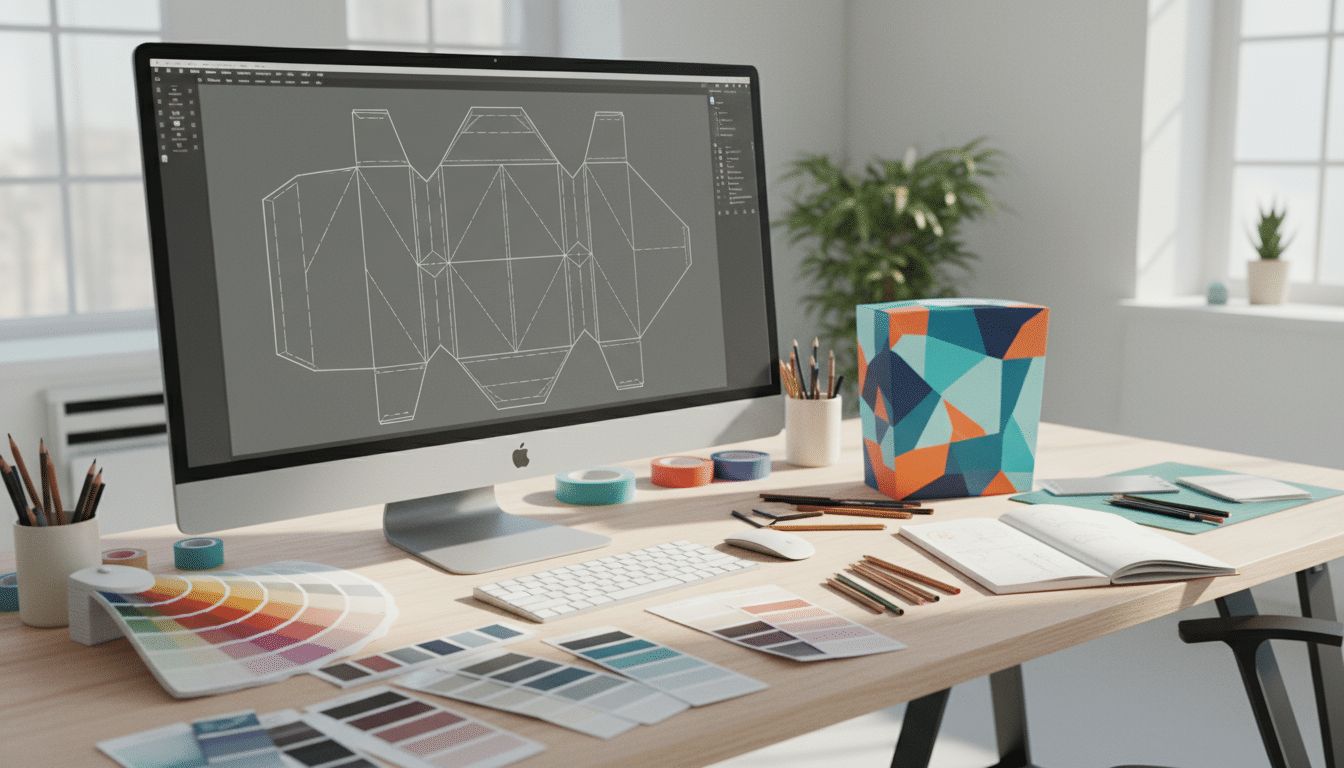
Not comfortable with Illustrator, bleed and outlines? That is normal for most founders. You can work with our professional designers on your custom design boxes; our design support is free and the team handles dieline placement and file prep for you.
Color is where screen and box disagree most. Your monitor shows light (RGB); a press lays down ink on board (CMYK or spot). Choosing the right method up front avoids disappointment at the proof stage.
| Color method | How it works | Best for | Watch out for |
|---|---|---|---|
| CMYK (four-color process) | Cyan, magenta, yellow and black dots combine to create colors | Photos, gradients, multi-color illustrations | Some bright brand colors cannot be matched exactly |
| Pantone (PMS) spot color | A premixed ink in an exact shade | Logos and solid brand colors that must stay consistent | Adds cost per extra ink; coated and uncoated swatches look different |
| Rich black | Black with added C, M and Y for depth | Large black backgrounds | Use plain 100% K for small text so it stays sharp |
| Printing on kraft | Ink printed directly on brown board | Natural, eco-forward looks | Colors print darker and less saturated; pale colors may almost disappear |
| White ink or white board | A white base under colors, or bleached board | Bright colors on a natural look | Ask whether white ink is available for your box style |
When brand color accuracy matters, specify Pantone references for your key colors and look at a physical swatch book on coated or uncoated stock, matching your board, rather than trusting the screen. If you love the natural kraft look, kraft boxes work best with bold, dark, simple artwork such as one- or two-color logos.
Special finishes are not printed with ink, so they cannot simply be part of your full-color artwork. Each finish needs its own plate, screen or die, which means each needs its own clean layer in your file.
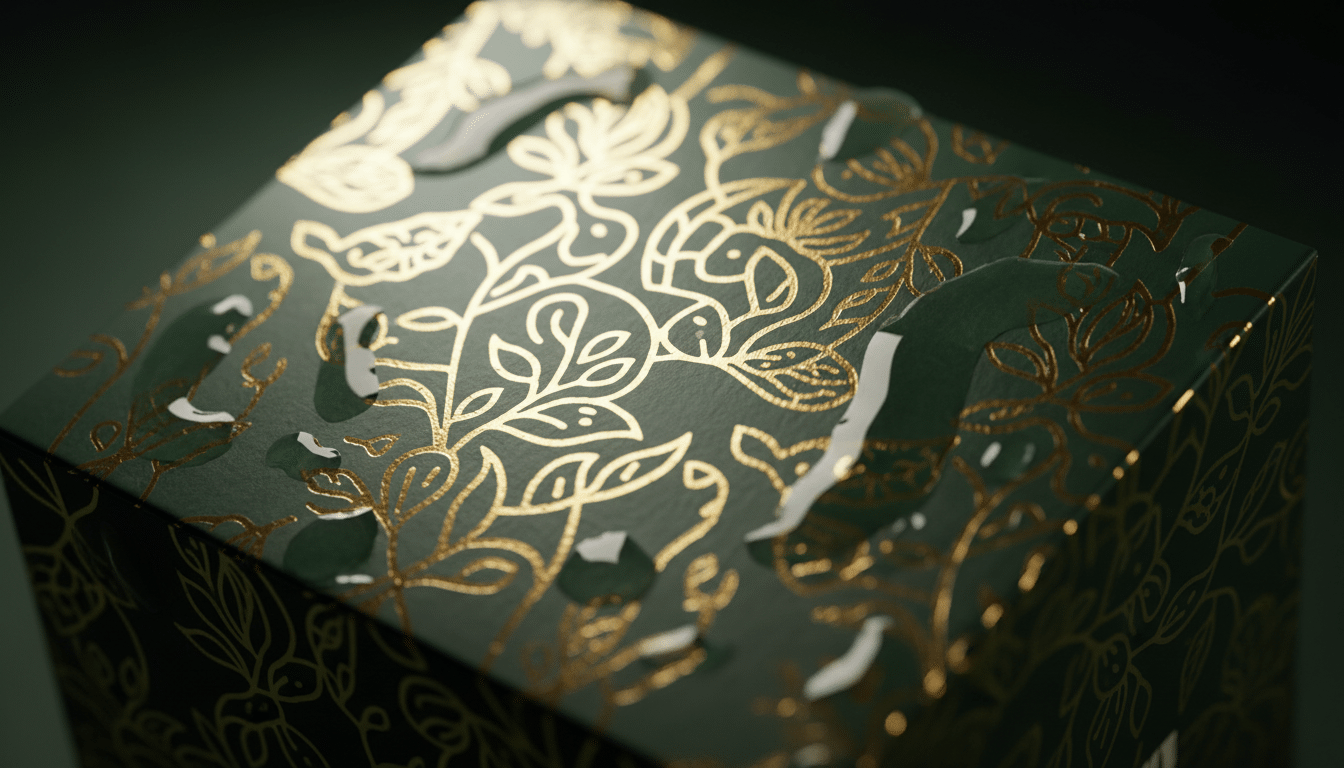
A small amount of foil or spot UV on a logo usually has more impact than covering a whole panel, and it keeps costs down. Premium finishes are especially popular on cosmetic boxes and rigid gift packaging.
Before you place any graphics, map out the content of every panel. A simple panel plan avoids last-minute squeezing of ingredients lists or barcodes into spaces that are too small.
This is the face shoppers see first on a shelf or when the parcel arrives. Keep it focused: logo, product name, a short benefit or variant name and, where required for retail products, the net quantity. On retail packaging in the United States, net quantity generally belongs in the lower part of this panel.
Use these for ingredients, directions, warnings, your company name and address, website and social handles, recycling information and the barcode. Retail barcodes for the USA and Canada are usually UPC codes issued through GS1. Print them in dark ink on a light background, keep the clear margin (quiet zone) around them, do not shrink them below the size your GS1 guidelines allow, and keep them away from folds and curved edges.
Inside printing is available for mailer, kraft, CBD and product boxes, and it is the cheapest way to create a memorable unboxing. Think thank-you messages, patterns, care instructions or a QR code to reorder. Inside artwork is a separate side of the sheet, so it gets its own dieline file, and it is mirrored relative to the outside, which is why checking orientation on a physical mockup matters.
Run through this checklist before you send files or approve a proof. It catches the vast majority of problems that cause reprints.
Pro tip: Print your flat artwork at 100% on ordinary paper, cut along the cut lines, fold it and tape it together. In five minutes you will see whether the lid text is upside down, whether the logo wraps around an edge and whether the barcode lands on a flap. A digital 3D mockup shows the look; a paper mockup proves the orientation. For full confidence on fit, color and finish, a production box sample is worth it before a large run.
Your artwork decisions influence price as much as box size does. These are the main factors that move the per-box cost:
| Cost factor | Lower cost option | Higher cost option |
|---|---|---|
| Box style | Simple tuck end or standard mailer | Rigid box with magnetic closure or custom structure |
| Material | Paperboard or kraft | Rigid chipboard with wrap, heavier corrugated board |
| Print coverage | One or two colors, outside only | Full-color, edge to edge, inside and outside |
| Spot colors | CMYK only | Several Pantone inks |
| Finishes | Standard coating or lamination | Foil, spot UV, embossing combined |
| Quantity | Larger runs spread setup cost | Very small runs carry more setup cost per box |
| Turnaround | Standard production | Rush production |
For reference, our starting prices are $0.80 per box for product boxes, $0.90 for mailer boxes, $0.50 for kraft boxes, $0.30 for cosmetic boxes and $3 for rigid boxes. Your exact price depends on size, quantity and the choices above. If you want to stretch a tight budget, spend on one hero feature, such as inside print or a foil logo, rather than many small extras.
We make custom design boxes for brands across both countries, with free shipping to the USA and Canada. The artwork process is the same, but the information you have to fit on the box can differ. Plan these requirements into your panel layout early, and check current rules for your product category, because labeling requirements vary by product type.
Retail consumer products generally need the net quantity of contents shown in both US customary units (such as ounces or pounds) and metric units (such as grams or milliliters), typically in the lower area of the principal display panel. Food, cosmetics and supplements fall under FDA labeling rules, and many consumer goods also follow FTC requirements, so confirm which apply to you. Some states add their own requirements, such as California’s Proposition 65 warnings for certain products. If you ship direct to consumers with UPS, FedEx or USPS, your box’s outside dimensions in inches also drive dimensional weight charges, so a well-fitted dieline saves money on every order.
Most mandatory consumer label information, such as the product’s common name and net quantity, must appear in both English and French, and net quantity must be shown in metric units. This often doubles the space needed for text, so bilingual layouts should be planned on the dieline from the start rather than squeezed in later. Quebec has additional French-language requirements for products sold there. Cosmetics, natural health products and foods each have Health Canada or CFIA rules worth checking. Note that CBD in Canada is regulated as cannabis with strict plain-packaging rules, so branded CBD box designs are not an option for the Canadian market. Canadian carriers usually quote volumetric weight in centimeters and kilograms, so give your box sizes in both units.
| What matters | United States | Canada |
|---|---|---|
| Label language | English | Most mandatory information in English and French |
| Net quantity units | US customary and metric | Metric required; imperial optional |
| Main regulators to check | FDA, FTC, plus some state rules | Health Canada, CFIA, Competition Bureau |
| Space planning | Single-language copy | Allow extra room for bilingual text |
| Retail barcodes | UPC via GS1 US | UPC via GS1 Canada |
| CBD box branding | Possible, subject to federal and state rules | Not possible; cannabis plain-packaging rules apply |
| Shipping size units | Inches and pounds | Centimeters and kilograms |
Whether you sell from Texas or Toronto, you can send us your dimensions in inches or centimeters and we will prepare the dieline accordingly. For a deeper look at the Canadian market, read our custom packaging in Canada guide.
Questions about your files before you order? Contact our team and we will check them for you.
A dieline is the flat, to-scale template of a box that shows where it will be cut, creased and glued. Designers place artwork on it so every graphic lands on the correct panel once the box is folded. The dieline itself does not print.
Ask your packaging manufacturer for a dieline drawn for your exact style, inside dimensions and material. Free online templates are useful for sketching ideas, but they rarely match a factory’s tolerances, so final artwork should always go on the supplier’s template.
Most packaging printers ask for at least 1/8 inch (3 mm) of bleed beyond every cut line. Rigid boxes often need a larger wrap margin because the printed paper folds around thick board edges, so confirm the exact figure with your supplier.
A print-ready PDF, such as PDF/X-1a or PDF/X-4, or a native Adobe Illustrator file with linked images is the standard. Keep the file at actual size, in CMYK, with fonts outlined and images at 300 dpi.
Yes, if you are comfortable with vector software and the specs in this guide. If not, free design support is included with our orders, and our team will place your logo and artwork on the correct dieline and send a 2D and 3D mockup for approval.
For most consumer products, yes. Mandatory label information such as the product name and net quantity generally must appear in both English and French, with additional French-language rules in Quebec. Check the current federal and provincial requirements for your product category.
For most retail consumer products sold in the United States, the net quantity statement is shown in both US customary units and metric units. Food, cosmetics and other categories have specific rules, so confirm the requirements that apply to your product.
With Custom Made Packaging, you receive a digital mockup within 48 hours, and production takes 10–15 business days after design approval, or 8–12 business days with rush production. Shipping is free to the USA and Canada.
Get the custom quote starting from our MOQ of 30 boxes to any order volume. There will be no charges for shipping and we ensure the lowest prices with highest quality possible.